
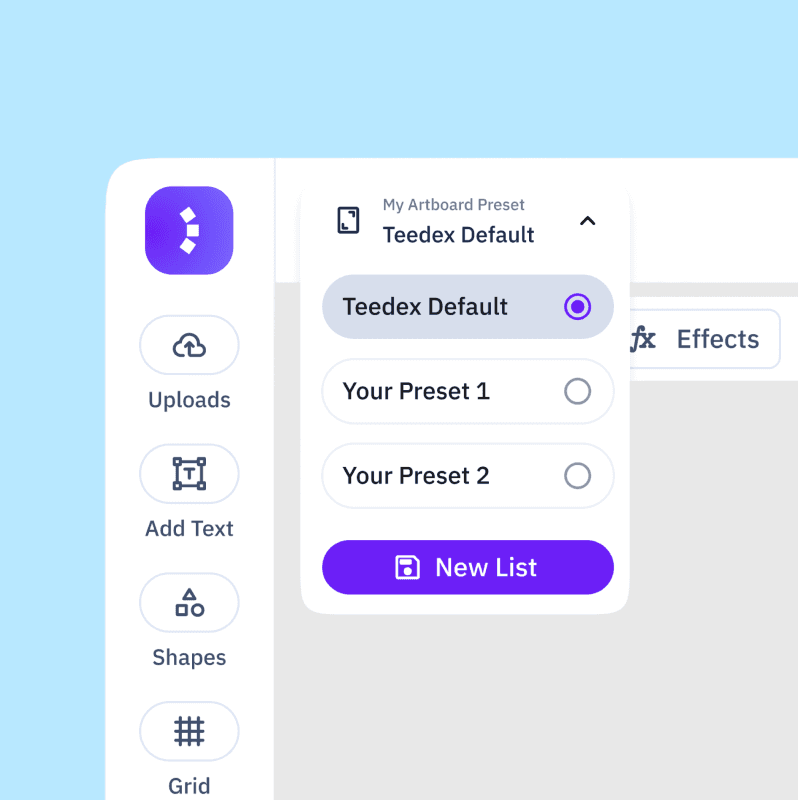
Canvas Presets provide reusable starting setups for canvas size, labels, markings, and production elements. Choose a preset from the top-left of Design.
Default
The Default preset uses standard sizing with center markings and the size label at the bottom.
Pharma Preset
The Pharma Preset includes the Pharma window shape as an element.
Wrangler Pharma Preset
The Wrangler Pharma Preset uses the same setup for full sleeves with Wrangler Pharma.
Customize a preset
Adjust canvas size, size label position, factory name, and production-specific media or elements according to your requirements.
Apply to All
After setup, click Apply to All and check the available sizes. The custom setup remains part of the preset for future designs.
Expected result
The current project uses the required production setup without rebuilding it from scratch.