The Design tab is where you create and customize your jersey artwork in Teedex. You can upload designs, add logos, insert player names and numbers, customize text, and prepare your artwork for multiple jersey sizes. Once your design is ready, you can apply it across the available sizes and move to the Variation tab to add player details.

1. Understand the Design Workspace
When you open a project in Teedex, you’ll find three main sections: Design, Variation, and Export. The Design tab is the first step, where you prepare your jersey artwork before generating personalized variations.
2. Choose Your Jersey Part
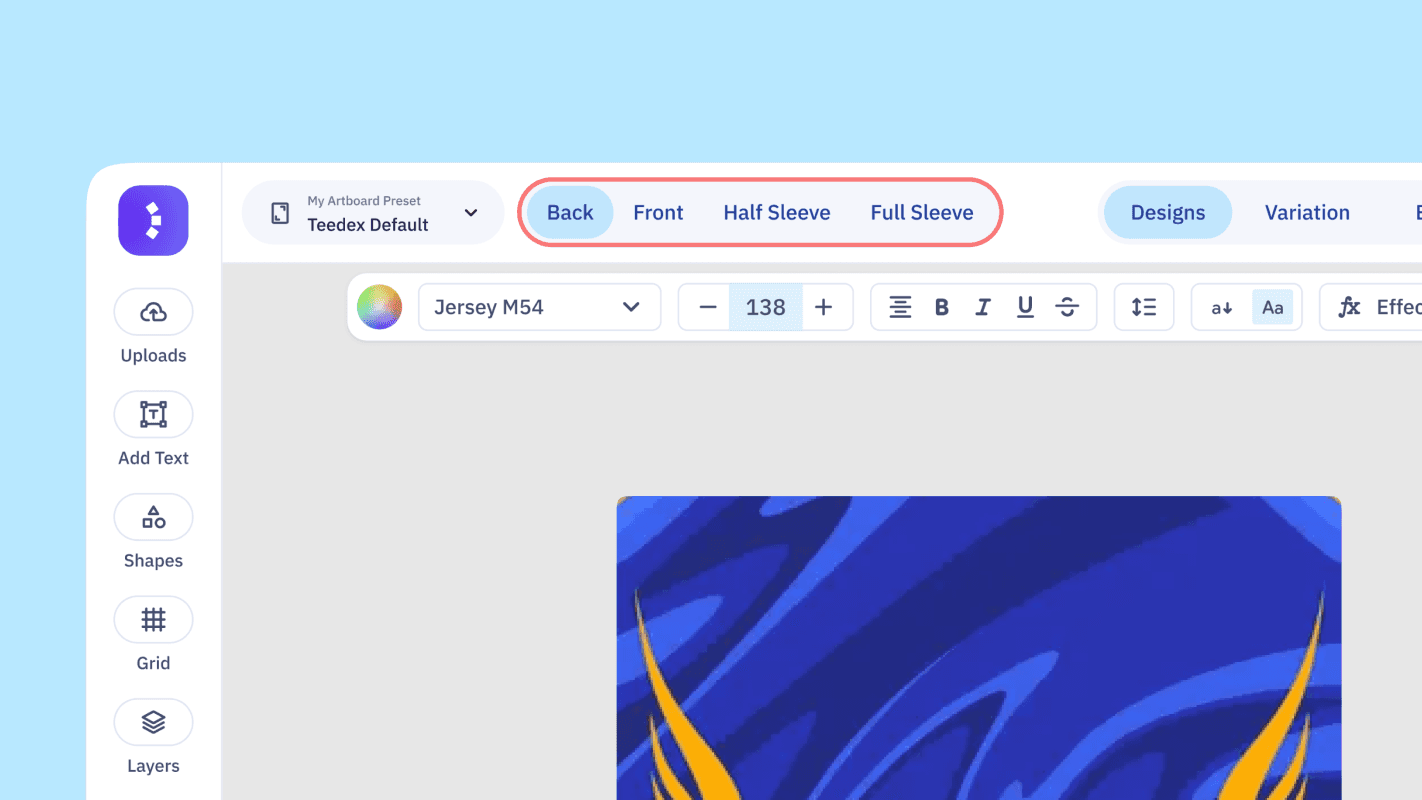
Inside the Design tab, you can switch between different parts of your jersey set:
Back: Create the back-side jersey artwork.
Front: Design the front of the jersey.
Half Sleeve — Left & Right: Create designs for both half sleeves.
Full Sleeve — Left & Right: Create designs for both full sleeves.
Each part has its own canvas, allowing you to customize the artwork according to your requirements. You can work on each part individually while keeping everything organized within the same project.
3. Access Design Tools
The Design workspace provides tools to build and customize your artwork. You can upload images and logos, add text, explore design assets and elements, manage layers, and use other available editing options.
You can also browse Ready Designs to find a pre-designed jersey template and customize it instead of starting from scratch.
4. Work with the Master Canvas
At the bottom of the workspace, you’ll find the Master Canvas and the available jersey size artboards. The Master Canvas is where you create your primary design.
Once your artwork is ready, use Apply to All to apply it across the available sizes. This helps reduce repetitive work and makes it easier to prepare your design for different jersey sizes.
5. Move to Variation and Export
After completing your design, move to the Variation tab to add player names, numbers, sizes, and sleeve types. Teedex uses these details to generate personalized jersey variations.
Once the variations are generated, open the Export tab to review your files, configure download settings, and export the required designs for production.
Tip: Complete and review your artwork in the Design tab before moving to Variation. Keep player names and numbers as dynamic text elements rather than adding them directly to your background artwork, so Teedex can update them for each player automatically.